How facial recognition works. Via HowStuffWorks.com.
With the FTC currently focusing on facial recognition, we figured it was a good time to provide answers to the 6 biggest questions about this technology and how it affects you.
1. What is facial recognition?
2. How is facial recognition being used today?
3. Can I be recognized? How?
4. What can I do about this?
5. What are the risks of facial recognition?
6. What are the benefits?
A stranger snaps a picture of you with his iPhone camera while you’re walking down the street on your way to work in the morning. You don’t see him. He uses a mobile app to analyze the photo he just took of you. The app scans your face and searches the web for matches. In less than a minute, the stranger knows your name and contact info, is scrolling through your Facebook albums, and is reading your Twitter timeline. Predicting your social security number—and thus stealing your identity–is one small step away.
Your face is your identity: you should have control over it.
Sounds like science fiction? It’s science fact. Say hello to the faceprint, the facial equivalent of the fingerprint. The identifying characteristics unique to our bodies are called biometrics. Iris patterns, faces, and fingerprints are common examples. Once you have a faceprint, you can compare it to a database of faces and look for a match. This is the world of facial recognition technology, and it’s happening right now.
Frequently Asked Questions about Facial Recognition
1. What is facial recognition?
When we talk about facial recognition, we’re really talking about two different applications: basic and advanced. Basic facial recognition answers the question, “Is this a face?” You see this kind of technology in photo-editing software. Apple’s iPhoto is notorious for identifying non-faces, like cookies and animals, as faces. If it has eyes, a nose, and a mouth, there’s a good chance it’s a face.

Who IS this guy?
Advanced facial recognition builds on these principles to answer the question, “Is this a particular face?” As anyone who’s ever used a character builder in a video game can tell you, our unique faces are comprised of variations on several main features: the width of our nose, the wideness of our eyes, the depth of our jaw, the height of our cheekbones, and the distance between our eyes are a few of them. Facial recognition software takes your features and turns them into a numerical code. Compare this code, or faceprint, with any database of photos, and you can start making matches and identifications.
2. How is facial recognition being used today?
Facial recognition is alive and flourishing. It’s used in many broad areas, including social networking, photo editing, security, law enforcement, casinos, and in odd places that you might not expect. For example, the dating website FindYourFaceMate.com based matchmaking around the principle that people with similar facial features are attracted to each other, using facial recognition to match user photos, and DoggelGanger.com matches potential dog owners with canines that look like them. Face recognition cameras scanned all the fans walking through the turnstiles at Super Bowl XXXV, now referred to as the Snooper Bowl, running the scans against a database of criminal mugshots. That was a decade ago, when the internet was still in its relative childhood. We’re in an age now when Facebook collects 100-page dossiers on all of us, when ad networks track everything we do online, when companies buy and sell our contact information: the street we grew up on, the names of our family members, aerial shots of our homes.

SceneTap's interface. The app lets you check the gender ratio of a bar before you head over.
Lots of mobile apps use facial recognition, too. A particularly interesting one, SceneTap, tracks the ratios of males to females and ages at 250 participating U.S. bars. These bars install face-detection cameras, and the app calculates the number of people at the bar, the male-to-female ratio, and the average age of patrons. SceneTap doesn’t receive bar patrons’ permission to capture their faces and share demographic information about them. Another notable app is FACER Celebrity, made by Animetrics Inc., a facial-recognition company based in Conway, N.H., that focuses on the law-enforcement and security industries. FACER Celebrity is a free iPhone app that allows users to match their face to a star. The app, which has about 30,000 downloads, uses the same facial-recognition technology deployed by local law enforcement to identify criminal suspects, says Animetrics CEO Paul Schuepp.
Companies give two main reasons for using facial recognition technology: it helps with security, and it makes photo editing and sharing easier. On the security side, law enforcement officials have argued that facial recognition can help find missing people, identify criminals in a crowd, preempt terrorists from boarding planes with fake passports. It’s also used for private security in casinos to identify card counters and kick them out before they can win too much. Casinos also say their systems identify people with gambling addictions who’ve asked casinos to forcibly remove them if they can’t stop themselves. Even supermarket security uses facial recognition: one grocery chain in the UK uses facial recognition to stop underage customers from buying alcohol.
On the photo sharing side, facial recognition can scan albums for faces and either suggest tags or automatically tag people. You’ll already find it in Apple’s iPhoto, Google’s Picasaweb, Microsoft’s Windows Live Photo Gallery, and other photo editors. It also collects information on different people’s faces through existing tags: the more tags, angles, lighting types, hairstyles, and other details in your photos, the better the software’s ability to pick you out in other photos. It’s one thing to confine this technology to the photos on your own computer, but things get more complicated when the internet gets involved.
Facebook got in trouble with privacy advocates when it rolled out facial recognition by default. It’s since dialed it back to “Tag Suggestions,” which you can choose to disable. Even if you disable it, though, Facebook still collects information about your face whenever it’s tagged. And when you consider that Facebook’s 600 million members upload over 250 million photos every day, you see that they’re building an empire of facial data. Rumor has it they’re building a way to search for people by picture alone. And Google’s Goggles app can already identify inanimate objects through photographs. Add already-existing facial recognition software to that, and you could “identify strangers on the street.”

We recommend disabling tag suggestions in Facebook.
3. How accurate is it?
The accuracy rate is 99.31% on still frontal face images. Changes in lighting, face positioning, makeup, hairstyle, facial hair, glasses, and other accessories decreases the accuracy rate.
4. Can I be recognized? How?
Yes, as long as you have at least one picture of your face publicly available online. And yes, social networks count as “public” in most cases. The more photos there are of you on the internet, the greater the chances of the facial recognition software finding a match.
If someone took a picture of you while you are out on the street, they can scan it and cross-reference it against photo databases to get a match. You might guess that the U.S. Department of State has one of the biggest facial recognition databases with over 75 million photographs, but it doesn’t come close to the largest of them all: Facebook, with over 140 billion photos (and it will add 70 billion more this year). That’s up from 10 billion in 2008, and it makes up 4% of all photos ever taken throughout history. ImageShack has over 20 billion; PhotoBucket has 7.2 billion, Flickr has 3.4 billion.

Bet you didn't realize exactly how many photos Facebook has on its servers.
You can also be found through existing photos of yourself with reverse image searches such as TinEye or Google. Reverse image search works by looking for photo fingerprints, exact matches of existing photos. Merely similar photos won’t show up, but cropped and differently-sized versions of the same photo will.
Let’s say you’re a member of an online dating site, and although you use a real photo of yourself, you don’t provide your real name. If you’ve ever used that same photo anywhere else, you may be in trouble: anyone can save that picture and do a reverse image search with it. These searches reveal other locations where that photo can be found. Maybe it’s your personal website, your Facebook profile, a people search website aggregating data about you, and a newspaper article. Suddenly, that person knows far more about you than you provided in your dating profile’s “about me” section.
If you’re worried about reverse image search, here’s a tip: use different images for different contexts. Don’t use the same photo on your employer’s profile page that you have as your Facebook profile picture. Keep separate photos you use for work, photos you use for family, photos you use for friends, and photos you want to keep entirely private. That way, someone doing a reverse search with a particular image will only find a limited set of results: the ones you’ve chosen to associate with that image.
5. What are the risks of facial recognition?
Take the massive amount of information that Google, Facebook, ad networks, data miners, and people search websites are collecting on all of us; add the info that we voluntarily provide to dating sites, social networks, and blogs; combine that with facial recognition software; and you have a world with reduced security, privacy, anonymity, and freedom. Carnegie Mellon researchers predict that this is “a world where every stranger in the street could predict quite accurately sensitive information about you (such as your SSN, but also your credit score, or sexual orientation” just by taking a picture.
Risk 1: Identity theft and security
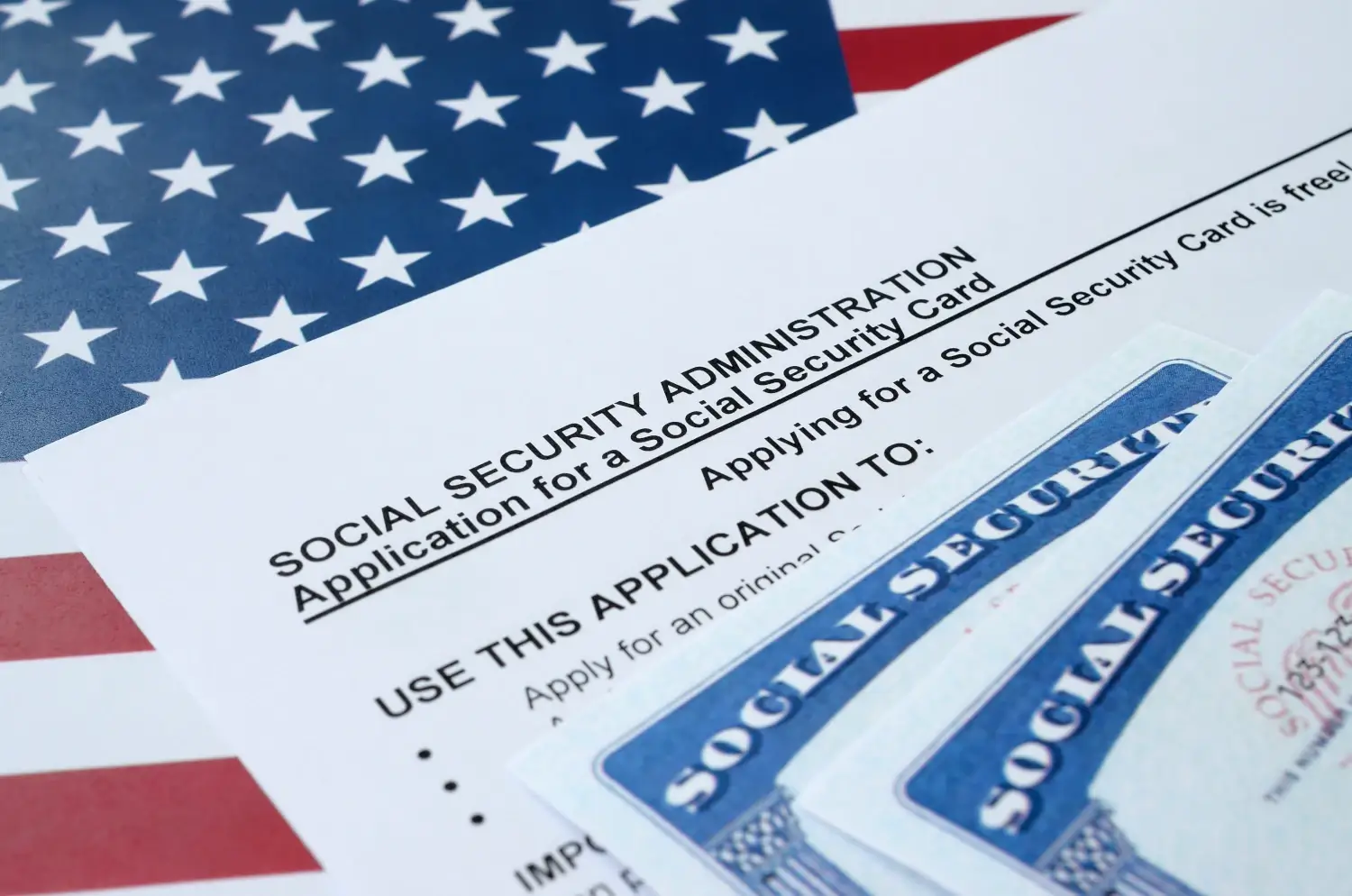
Think of your personal information—name, photos, birthdate, address, usernames, email addresses, family members, and more—as pieces of a puzzle. The more pieces a cyber criminal has, the closer he is to solving the puzzle. Maybe the puzzle is your credit card number. Maybe it’s the password you use everywhere. Maybe you’re your social security number.

Identity thieves often use social security numbers to commit fraud. Photo: listverse.com.
Facial recognition software is a tool that can put all these pieces together. When you combine facial recognition software with the wealth of public data about us online, you have what’s called “augmented reality:” “the merging of online and offline data that new technologies make possible.” You also have a devastating blow to personal privacy and an increased risk of identity theft.
Once a cyber criminal figures out your private information, your money and your peace of mind are in danger. Common identity theft techniques include opening new credit cards in your name and racking up charges, opening bank accounts under your name and writing bad checks, using your good credit history to take out a loan, and draining your bank account. More personal attacks may include hijacking your social networks while pretending to be you, reading your private messages, and posting unwanted or embarrassing things “as” you.
The research: how facial recognition can lead to identity theft
Carnegie Mellon researches performed a 2011 facial recognition studyusing off-the-shelf face recognition software called PittPatt, which was recently purchased by Google. By cross-referencing two sets of photos—one taken of participating students walking around campus, and another taken from pseudonymous users of online dating sites—with public Facebook data (things you can see on a search engine without even logging into Facebook), they were able to identify a significant number of people in the photos. Based on the information they learned through facial recognition, the researchers were then able to predict the social security numbers of some of the participants.
They concluded this merging of our online and offline identities can be a gateway to identity theft:
If an individual’s face in the street can be identified using a face recognizer and identified images from social network sites such as Facebook or LinkedIn, then it becomes possible not just to identify that individual, but also to infer additional, and more sensitive, information about her, once her name has been (probabilistically) inferred.
Some statistics on identity theft from the Identity Theft Assistance Center (ITAC):
- 8.1 million adults in the U.S. suffered identity theft in 2011
- Each victim of identity theft loses an average of $4,607
- Out-of-pocket losses (the amount you actually pay, as opposed to your credit card company) average $631 per victim
- New account fraud, where thieves open new credit card accounts on behalf of their victims, accounted for $17 billion in fraud
- Existing account fraud accounted for $14 billion.
Risk 2: Chilling effects on freedom of speech and action
Facial recognition software threatens to censor what we say and limit what we do, even offline. Imagine that you’re known in your community for being an animal rights activist, but you secretly love a good hamburger. You’re sneaking in a double cheeseburger at a local restaurant when, without your knowledge, someone snaps a picture of you. It’s perfectly legal for someone to photograph you in a public place, and aside from special rights of publicity for big-time celebrities, you don’t have any rights to control this photo. This person may not have any ill intentions; he may not even know who you are. If he uploads it to Facebook, and Facebook automatically tags you in it, you’re in trouble.

Anywhere there's a camera, there's the potential that facial recognition is right behind it.
The same goes for the staunch industrialist caught at the grassroots protest; the pro-life female politician caught leaving an abortion clinic; the CEO who has too much to drink at the bar; the straight-laced lawyer who likes to dance at goth clubs. If anyone with a cell phone can take a picture, and any picture can be tied back to us even when the photographer doesn’t know who we are, we may stop going to these places altogether. We may avoid doing anything that could be perceived as controversial. And that would be a pity, because we shouldn’t have to.
Risk 3: Physical safety and due process
Perhaps most importantly, facial recognition threatens our safety. It’s yet another tool in stalkers’ and abusers’ arsenals. See that pretty girl at the bar? Take her picture; find out everything about her; pay her a visit at home. It’s dangerous in its simplicity.
There’s a separate set of risks from facial recognition that doesn’t do a good job of identifying targets: false identifications. An inaccurate system runs the risk of identifying, and thus detaining or arresting, the wrong people. Let’s say that an airport scans incoming travelers’ faces to search for known terrorists. Their systems incorrectly recognize you as a terrorist, and you’re detained, searched, interrogated, and held for hours, maybe even arrested. This is precisely why Boston’s Logan Airport abandoned its facial recognition trials in 2002: its systems could only identify volunteers 61.4 percent of the time.
6. What are the benefits of facial recognition?

Sometimes facial hair throws off facial recognition software. Too bad there's not mustache recognition software. Photo: AwkwardFamilyPhotos.com
Facial recognition has its benefits, especially for certain groups and activities.
Benefit 1: Easier photo organization
Facial recognition boasts the end of long tagging sessions. If you upload all your photos and facial recognition software identifies and tags your friends, most of your work is done. Even less powerful software that only identifies and suggests tags, rather than tags automatically, can save a lot of time.
Benefit 2: Greater access to information
If a picture’s worth a thousand words, then a picture associated with a database of internet data is worth an encyclopedia. You could learn all about someone with a single photo. This could be helpful for people who need a lot of information in a short period of time: for example, if you want to learn about a potential date, get some background on a job applicant, or find a long-lost friend or relative.
Facial recognition applications could have special significance for those with prosopagnosia, also known as face blindness. This condition makes it difficult or impossible to identify people. You may have met someone a hundred times, but if you have severe prosopagnosia, you won’t recognize him or her. And for those of us who just have trouble remembering faces, this wouldn’t be a bad thing, either.

People with severe prosopagnosia can't recognize faces. Photo: BodyGeeks.com
Benefit 3: Criminal identification
If you have a database of known criminals, you can use facial recognition to cross-reference those faces against other databases of faces. With the right technology, you could scan a public area for wanted felons, for example, or see if any of them have signed up for Facebook. Even if you can try to hide from a criminal past by changing your name, it’s much harder to change your face. Thus facial recognition is already a valuable tool in law enforcements’ arsenal, and it’s only becoming more important.
Benefit 4: Money, money, money
If you’re an advertiser, there’s money in facial recognition. Photos are the key to unlocking a vault of valuable personal information. The more they know about a person or a segment, the better they can tailor their ads to target them, and the more successful these ads will be. Your data is worth its weight in gold.
What do you think about facial recognition?
Is it cool? Scary? A little of both? What would you like to see happen with it in the future? Leave your thoughts in the comments box below.
About Abine: Abine, Inc., The Online Privacy Company, is the leading provider of online privacy solutions for consumers. Abine’s products and services allow regular people to regain control over their personal information while continuing to browse, interact, and shop online.
To be (anonymous) or not to be: Should you use your real name on the internet?
February 18th, 2011What sort of trail do you leave online? Do you comment as yourself? Do you think that using only the first initial of your last name, like John S., doesn’t link to you? Do you use a profile picture? Be honest: do you have any idea how many times you’ve left your real name on the internet?
Sometimes fake names lead to real discussion.
Online aliases, pseudonyms, pen names…Facebook CEO Mark Zuckerberg doesn’t believe in them. Nor does he believe in privacy. He’s a proponent of online openness, urging all of us to share, comment, and post all of our thoughts under our legal, given names. “The days of you having a different image for your work friends or co-workers and for the other people you know are probably coming to an end pretty quickly,” he quipped in 2009. “Having two identities for yourself is an example of a lack of integrity.” In fact, Facebook lists using a fake name as an abuse of their Statement of Rights and Responsibilities.
Does having multiple online identities really show a “lack of integrity?”
Of course, this is coming from a man who admitted that he would make all Facebook privacy settings public by default if he could start the company over again. Is it disingenuous to use aliases online, or is it merely playing it safe?
The United States Supreme Court seems to disagree with Zuckerberg, ruling in McIntyre v. Ohio Elections Commission that the First Amendment protects our right to be anonymous:
Visit the Electronic Frontier Foundation’s website for a concise summary of your legal right to speak anonymously.
Every day, we have to choose whether to be anonymous online.
Here’s a scenario you’re probably familiar with. Let’s say you read an article on CNN.com and want to post a response in the comments
A CNN.com comment box.
section. You must first register on CNN.com, which requires you to fill in a screen name, email address, and password, then confirm the email you used to register. Alternatively, you can use Facebook connect to link your Facebook profile to CNN, letting Facebook take care of the hassle of registration. You have a choice to make: use your real name, potentially linking your name to your comment forever; or use an alias.
Posting anonymously has its pros and its cons.
Posting online is like talking to the police: anything you say can and will be used against you. We see this every day in our DeleteMe service, which removes customers’ unwanted content from the internet. Old questions posted in IT forums, comments on political articles, objectionable tweets, those photos of you partying a bit too hard, that video your ex-boyfriend swore he’d never release: if you use your real name when posting anything, chances are a Google search will bring up results that you aren’t proud of.
Using your real name lends credibility to what you’re writing. Similar to criminal informants, coming forward with your true identity makes the content of your statement more believable and trustworthy. If you truly stand by your posting and are prepared to have your name associated with it forever–internet archives can live a long time–using your real name shows your conviction.
Many people search websites, such as Spokeo.com and 123People.com, collect their listings by crawling the web for all mentions of a person’s name. Let’s return to our earlier CNN commenting example for a moment. If you use your legal name and actual email address to register and CNN’s privacy policy allows it to share your information third parties, as many websites do, then it will show up on the people search websites.
Study after study demonstrates that being able to say what we think without fear of repercussion brings out the worst in us. With the advent of anonymous online commenting came trolling, cyber-bullying, and general unpleasantness. There’s even a scientific term for it: “the online disinhibition effect.” And anonymity can have far worse effects than just discouraging thoughtful and polite discourse: it has lead to murders and suicides, as in the sad case of Alexis Pilkington, the 17 year-old girl who committed suicide after being harassed online by anonymous people.
If you’re prepared for a little self-censorship, posting under your real name can be a smart strategy. Knowing that anything you say online may show up when someone Googles you, use your postings to your advantage. Post intelligent, grammatically-correct, spell-checked, well-reasoned content. Express yourself in the field in which you want to become established. Don’t forget that good search results can be better than no search results.
What should you do? Our advice.
Abine's PrivacySuite lets your generate anonymous email addresses.
Think long and hard about posting anything under your real name. If you decide to do so, ask yourself the New York Times question: “If this content were ever publicly released, would I be okay with seeing it on the cover of the New York Times?” If the answer is “no,” use a pseudonym.
Abine’s Privacy Suite, a free browser add-on for Firefox and IE, lets you create and manage multiple identities: one for friends, one for work, one for family, one for your superhero alter ego, etc. Once you fill in each identity’s information, like the password and username you want to use with it, you can automatically fill in forms as each of your different selves.
But if you do decide to use your real name, think about using an anonymous email. PrivacySuite lets you generate alias emails that forward to your real account. If you ever have trouble with spam from a website or an account, simply block the anonymous email associated with it.
12 Comments »